
24/7 live streams on YouTube from your own videos
Another revenue stream for your channel that works day and night!
Most creators earn only from long videos and Shorts, and a channel's income depends entirely on how often new videos come out. 24/7 streams are the third format many creators miss. Viewers turn a stream on and leave it running all evening, while YouTube shows ads in it the whole time. Tube-Kit handles all the technical work: you upload videos to the service and build a playlist, and the stream runs around the clock from our servers.

Streams that earn revenue
People put these streams on in the background: while working, studying, commuting or winding down for bed. A regular video gets watched in a few minutes, while a live stream stays open until evening, showing ads the whole time — on channels in the YouTube Partner Program. Those long viewing sessions are what make 24/7 channels most of their money.
Get to monetization faster
To join the YouTube Partner Program, a channel needs 4,000 watch hours. A stream that never stops adds to them every day, and they count just like watch hours from regular videos — just turn on saving the recording. Only recordings that are publicly available count toward watch hours.
Viewers support your channel directly
In the live chat, viewers send Super Chats and buy channel memberships. The stream runs around the clock, so people can support you at any moment — even while you sleep.
One stream — everywhere at once
The broadcast goes out to YouTube, Twitch, Kick, Facebook and other platforms at the same time. There is no need to make separate content for each platform: your videos build an audience everywhere, and every platform brings its own viewers and revenue.
Tube-Kit features for 24/7 streams
Channels and quality
- Streams on multiple channels
Connect several YouTube channels and run 24/7 streams on each of them from one dashboard.
- Quality up to 4K
Streams in 1080p or 2K at up to 60 frames per second, and in 4K at up to 30 frames. The picture stays as sharp as in your source videos.
- Stream statistics
How many viewers you had and when they tuned in — all in one report.
A stream that feels live
- A stream title for every video
The stream title changes to match the video that is playing right now. Viewers instantly see what is on, and the stream never looks frozen.
- Rotating thumbnails
Upload several thumbnails and they will rotate on a schedule, bringing in new viewers.
- Automated chat messages
The service posts in the live chat for you — reminds viewers to subscribe and shares links to your videos, socials or products.
Runs without you
- Stream schedule
Your stream goes live at the hours you choose every day or on selected dates, and ends on its own.
- No computer needed
Broadcasting runs from our servers. If one server fails, the stream automatically continues on another.
- Edit the playlist on the fly
Add or remove videos while you are live, without stopping the broadcast.
Who is already earning from 24/7 live streams
Music and lo-fi, backgrounds for work and study, nature sounds, games, oddly satisfying videos, podcasts and education — channel examples across every niche.


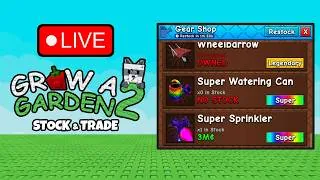

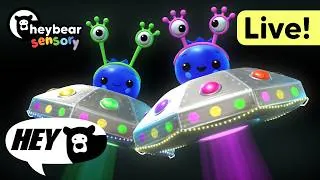







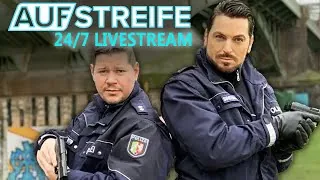


These are other creators' channels on YouTube — niche examples, not Tube-Kit clients.
Launch your first 24/7 stream today
Try it free for 7 days — no card required. After that, you pay per day from your balance, with no monthly subscription.